

The Mega Emoji Tab Animation app provides a simple yet effective way to boost engagement and reduce bounce rates. Adding a dynamic and entertaining element to your store’s browser tab keeps your site in the minds of visitors even when they navigate away. This not only increases the likelihood of return visits but also adds a unique and fun touch to your brand.
In this guide, we will walk you through the steps to install the Mega Emoji Tab Animation app on your Shopify store and customize the emoji animations to match your store’s style. By the end of this guide, you’ll have a captivating and engaging browser tab animation in place, making your store stand out from the competition and increasing the likelihood of users returning to your site after they switched to a different tab.
The Initial Install
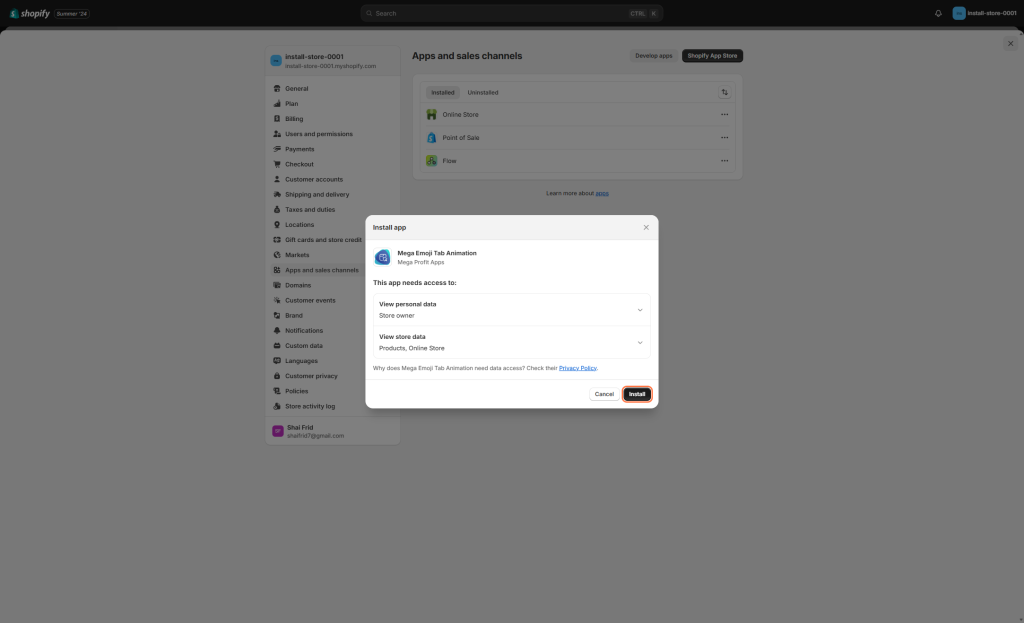
Step 1: Search for “Mega Emoji Tab Animation” in the Shopify App Store and click on the app to open its details page, or press here: Link,
and then click the “install” button.

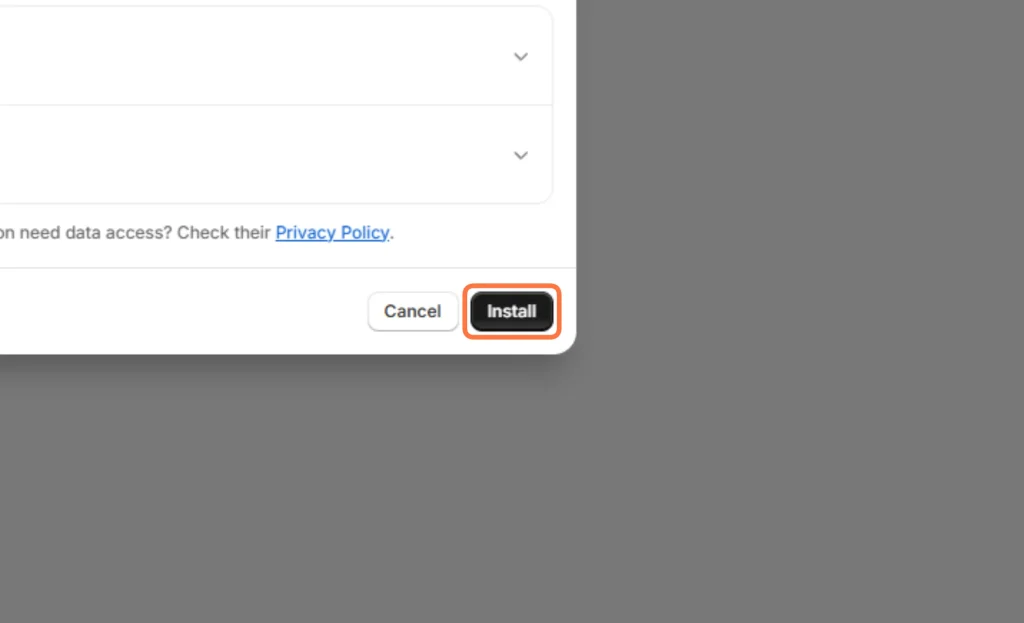
step 2: Click on “Install” again and then click on “Continue”
step 3: Select your preferred subscription plan. Choose between Monthly or save the equivalent of 2 months subscription fees with an annual plan, then click “Select Plan”.

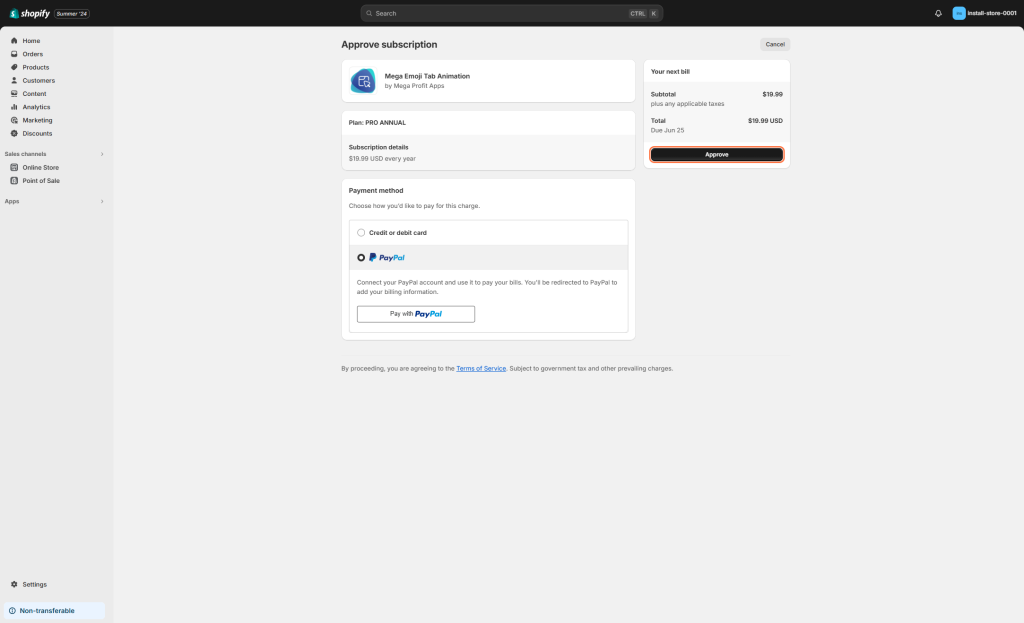
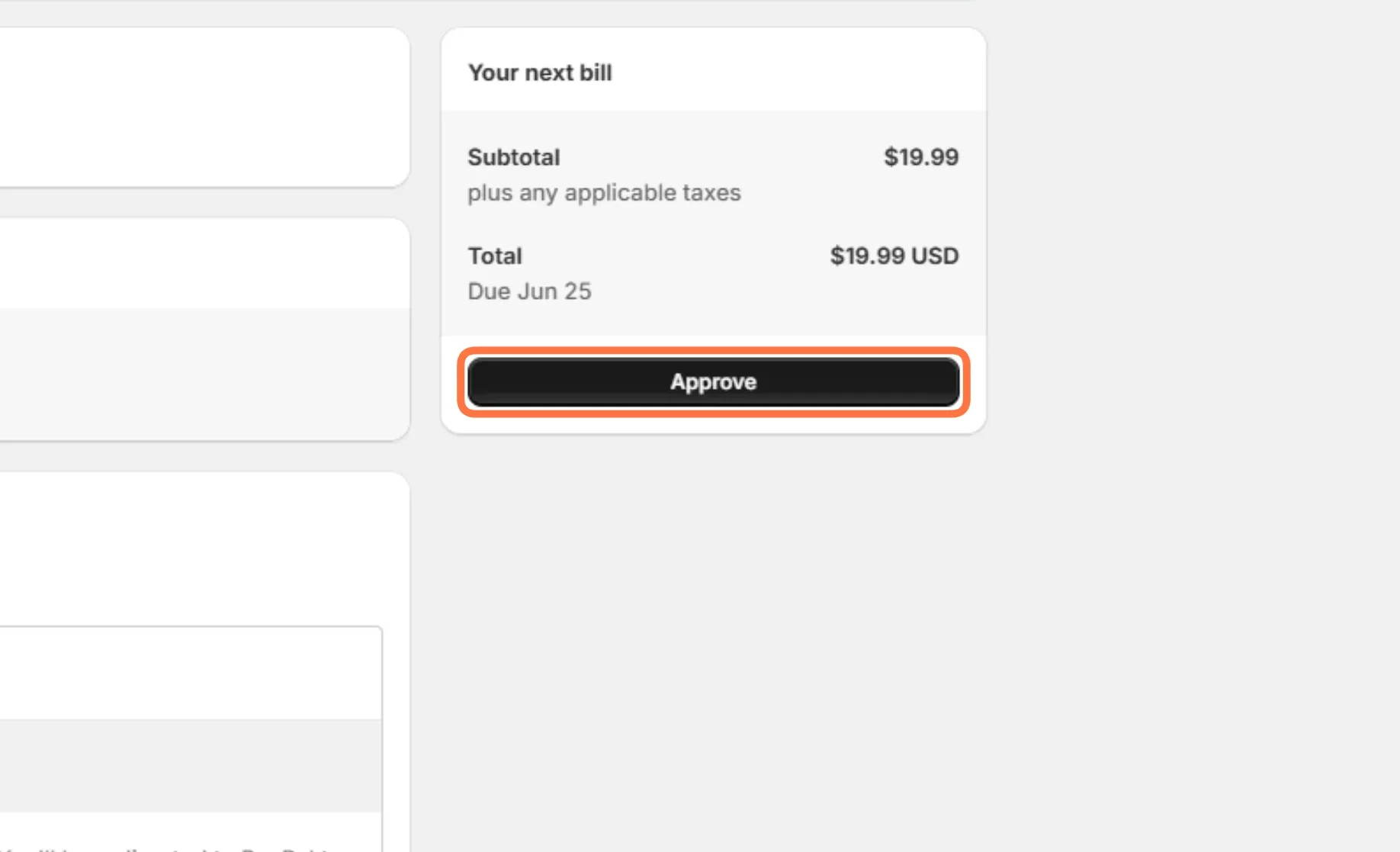
step 4: Select your preferred payment method and then click on “Approve” at the upper right side of your screen
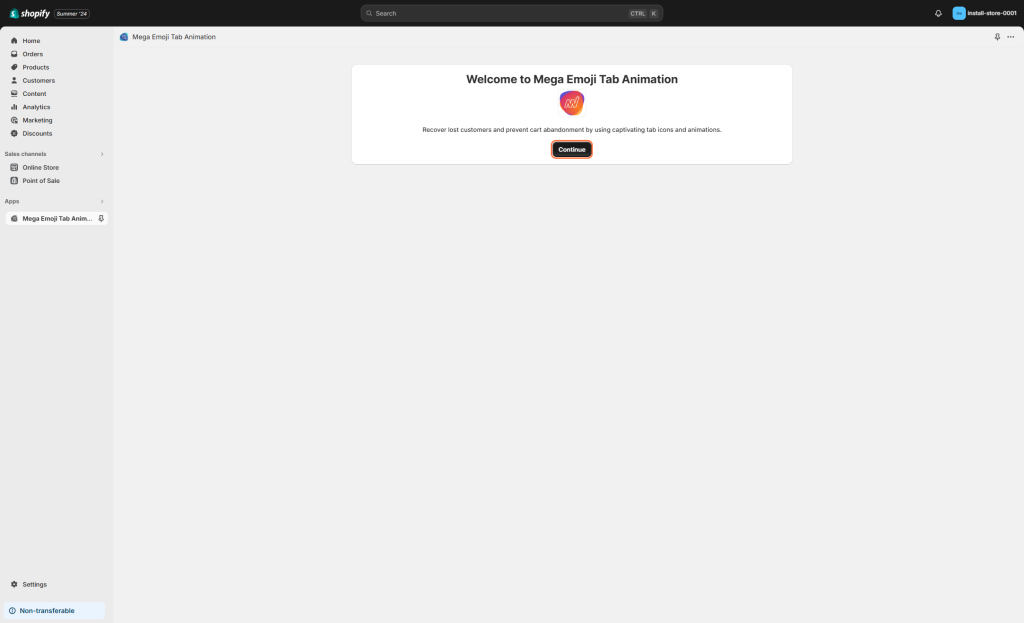
step 5: Click on “Continue”
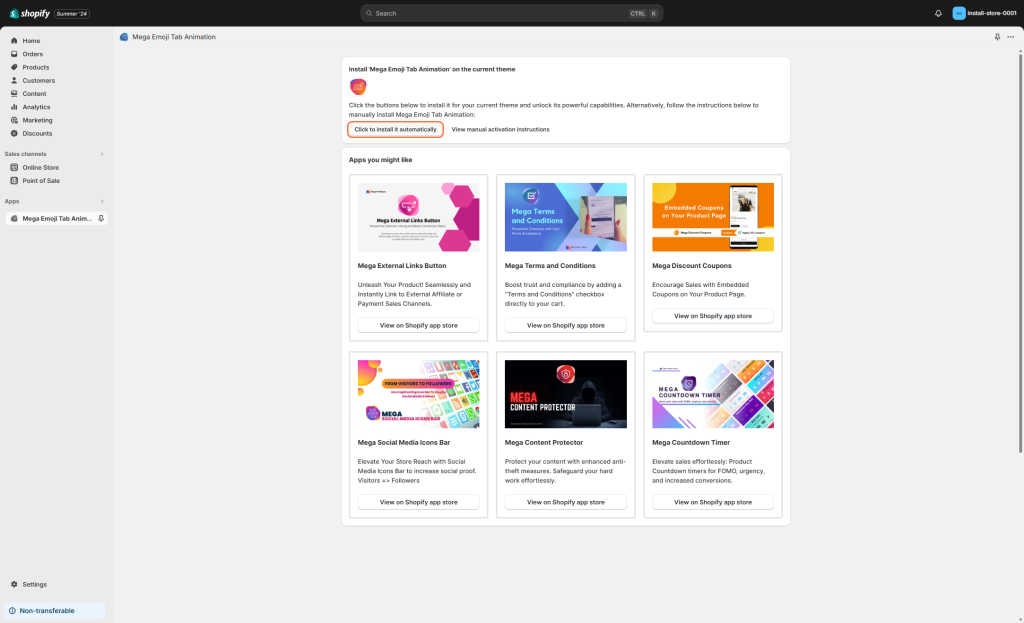
step 6: Lastly, press the “Click to install it automatically” button and your installation will be done. All that is left is a short customization process and you are good to go.

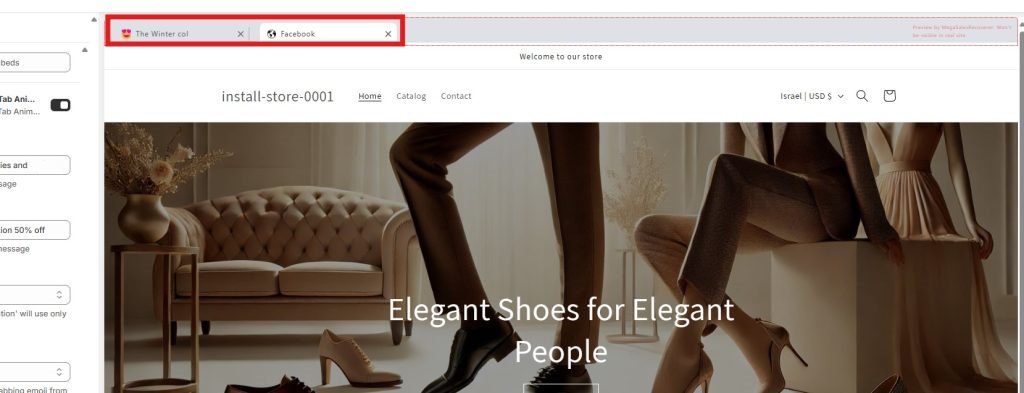
How to get a preview of the animated tabs
If you want a live preview of your animated tabs, uncheck the box at the bottom of the inspector window with the label “Hide the tabs preview in design mode”.
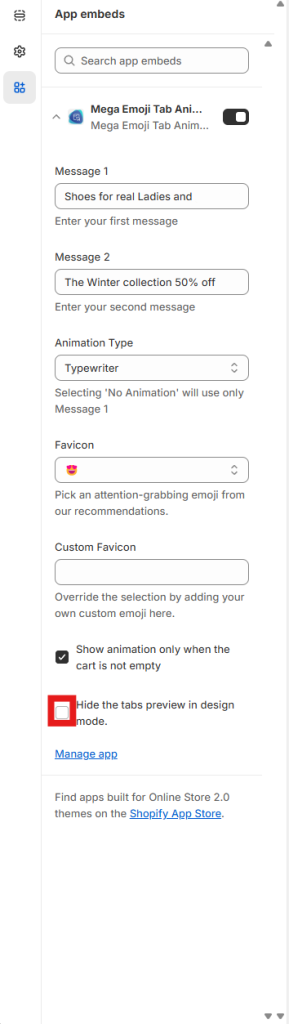
Controls
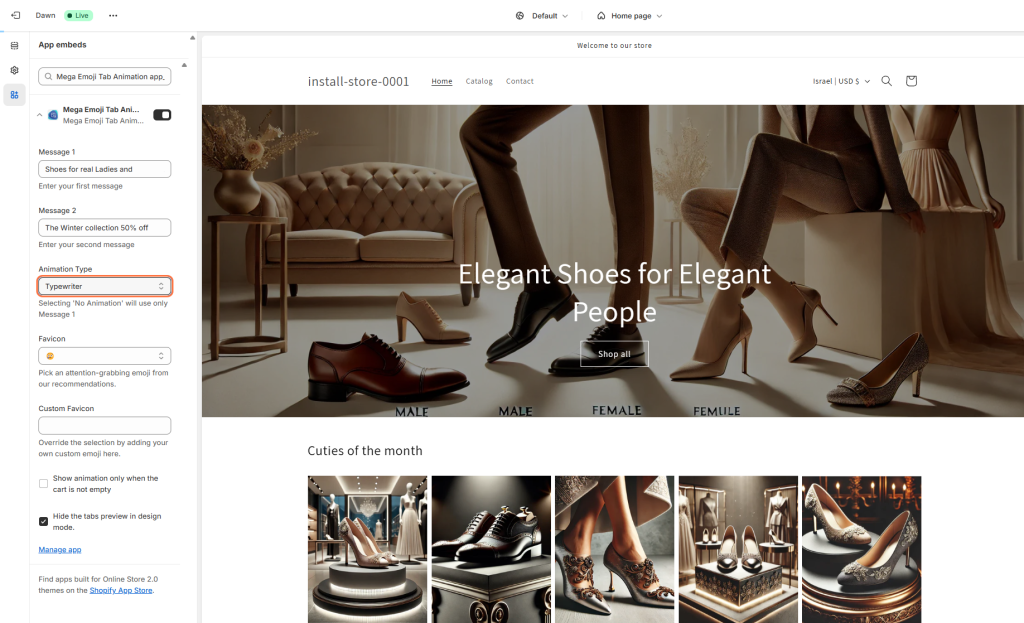
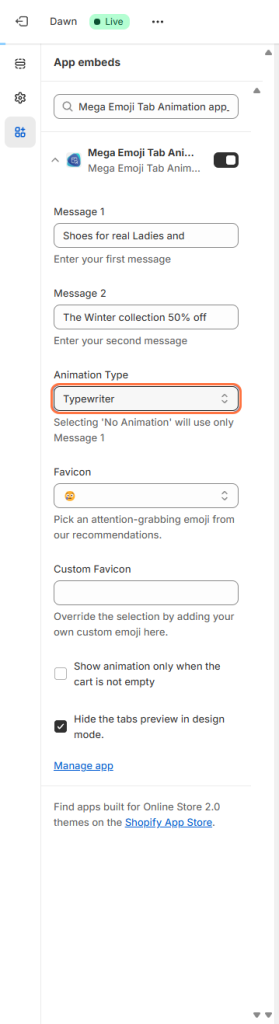
“Message 1” and “Message 2”
The app will show these two fields in a loop, transitioning with the chosen animation. They could be the slogan of your store, an announcement for a new collection, or anything else in between.

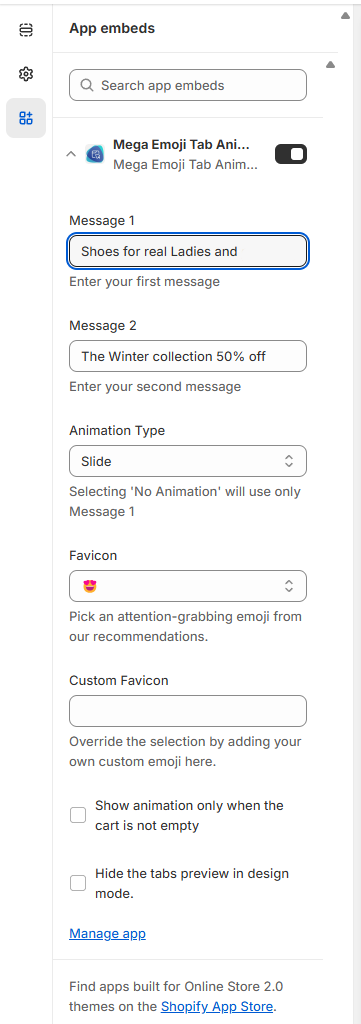
Animation Type
The animation between the two messages.
You can choose one of three kinds of animations:
- Typewriter: This effect makes every letter appear one at a time. Once the entire message has been typed, it will start from scratch with the next message.
- Slide: both messages will scroll horizontally one after another
- Blink: the two messages will appear all at once.
It should be noted that all the animations are looped and once the animation of “Message 2” has ended, The app will start with the first message again.
Favicon
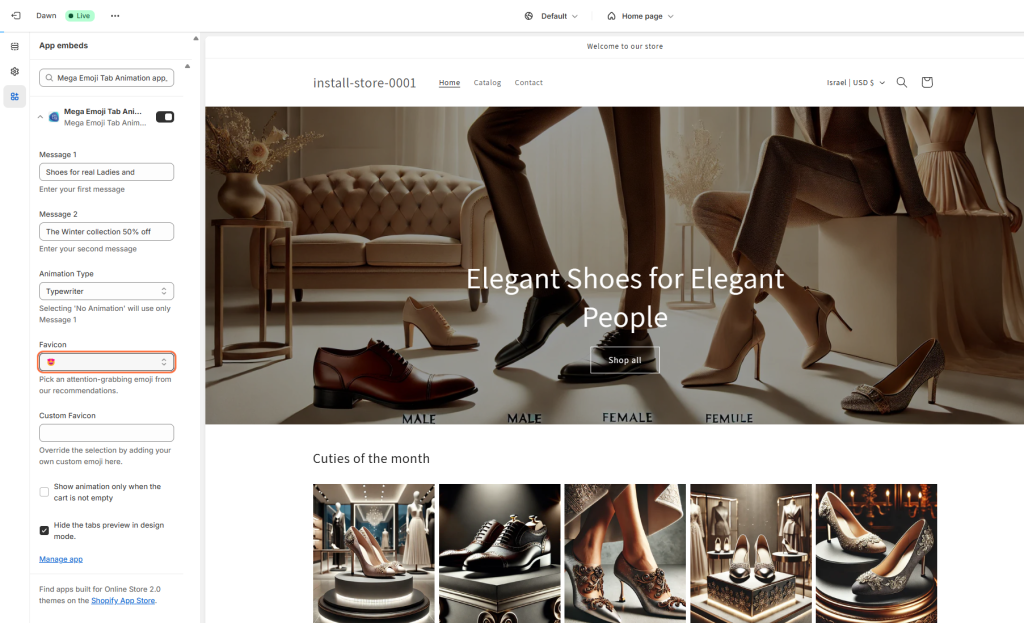
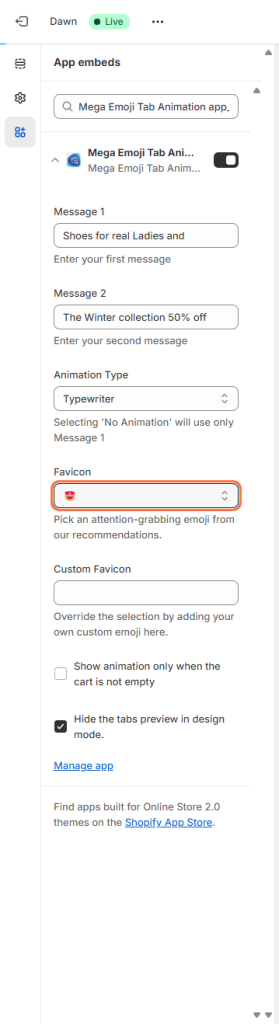
The favicon is the small icon at the leftmost or rightmost side of the tab your site is on. Here you can change it to any emoji you’d like.
One last thing
Mega Emoji Tab Animation is fast to set up and lightweight, helping you get up and running quickly. It is extremely effective at getting potential buyers attention back to your store. We hope you enjoy using this app as much as many others already have. If you have any questions that aren’t covered in this guide, please feel free to message us.
Ready to Enhance Your Store’s User Experience and SEO?
For a fast and lightweight shop—essential for both SEO and user experience—explore our suite of apps designed for speed and efficiency, offering a variety of styles and functionalities.
Happy Selling!
Related Post

Boost Your Sales with Proven Shopify Upselling Strategies: An Expert Guide
Upselling is a secret weapon for Shopify store owners looking to boost their

Shout about Free Delivery Promotions with Mega Free Shipping Bar
In the dynamic world of e-commerce, staying ahead requires innovative strategies to attract

Unlock Shopify Security: The Critical T&C Checkbox
A clear Terms and Conditions agreement is as crucial for any online business

How to Build Loyalty and Trust with Brand Transparency
In digital marketing, a significant shift has occurred: customers now hold the reins