




Website navigation serves as the foundational structure of the online world. This exploration covers various types of website navigation, its influence on user experience (UX), and the role of Call-to-Action (CTA) buttons in creating engaging designs.
The Importance of Intuitive Website Navigation
Think of website navigation as a virtual guide, helping users traverse the vast internet landscape without losing their way. It’s like a friendly local in a bustling city, improving user experience by preventing frustration and reducing bounce rates.
Beyond enhancing user satisfaction, intuitive website navigation is crucial for business success, forming the architectural blueprint for online stores. Studies show that 57% of users leave a site if it takes more than 3 seconds to load. A well-organized layout plays a significant role in improving speed and efficiency.
Effective navigation systems also contribute to Search Engine Optimization (SEO), increasing visibility in search results. Investing in intuitive website navigation is a strategic move for user satisfaction and maintaining a competitive digital presence.
Types of Website Navigation
- Horizontal Navigation Bar: Ideal for sites with a moderate number of main categories, ensuring proper navigation and creating a clean, organized look.
- Vertical Navigation: Organizes menu items in a column, typically on the left side, suitable for sites with numerous sections or complex hierarchies.
- Hamburger Navigation: Popular in mobile interfaces, featuring an icon with three stacked lines.
- Breadcrumbs: Provide a hierarchical path to the current page, guiding users to previous levels.
- Footer Navigation: Places menus at the bottom of a webpage, offering links to essential pages or sections.
- Mega Menu: A multi-column dropdown menu displaying numerous options, often accompanied by images or detailed descriptions.
- One-page Navigation: Consolidates all website content onto a single page, requiring users to scroll or click links to navigate different sections. ( can be achieved with an external link app)
These navigation types can be used individually or in combination, depending on the structure, content, and design goals. Each type offers unique strengths tailored to meet specific user and website needs.
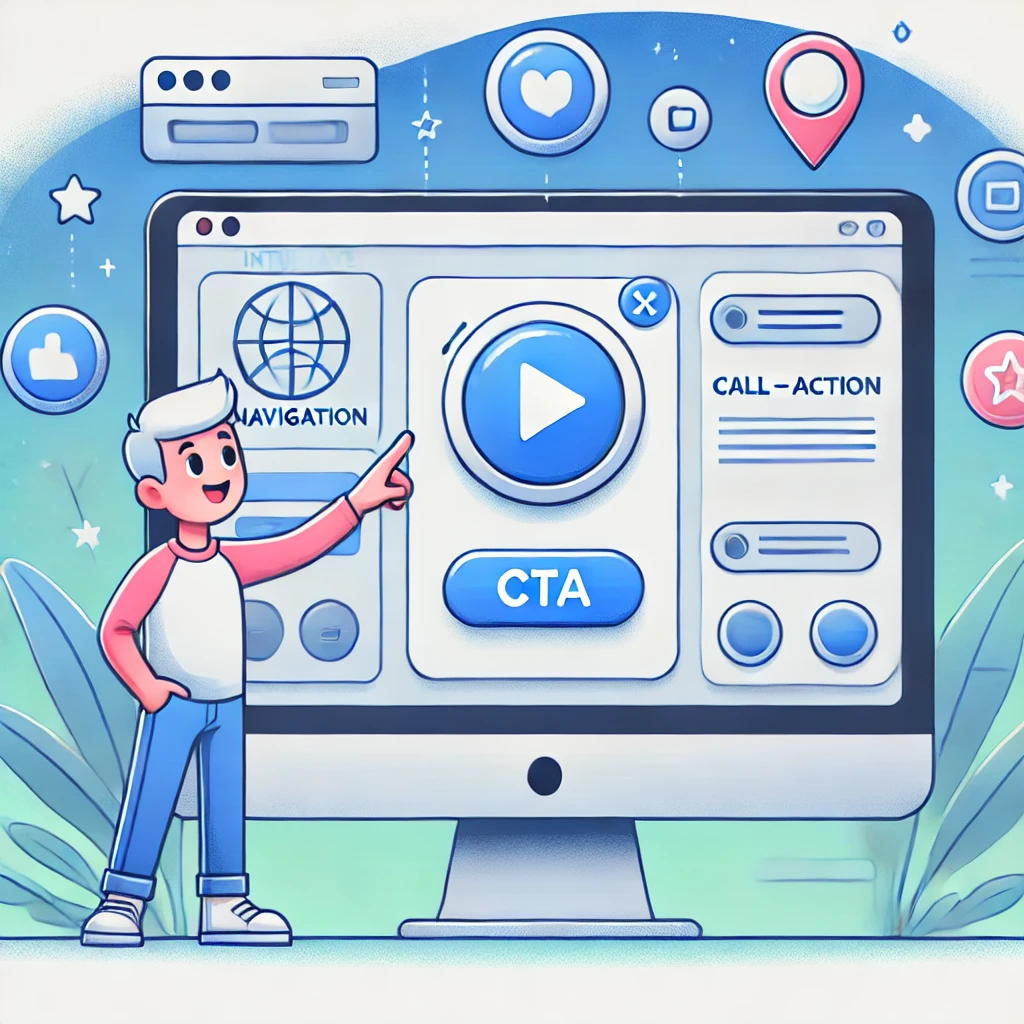
Impact of Website Navigation on UX
Website navigation plays a crucial role in shaping overall User Experience (UX). An intuitive website design is essential for creating positive interactions with users. Let’s explore the impact of website navigation on UX with real-world examples:
- Reduced Bounce Rates: A complex or confusing layout often leads to high bounce rates, where visitors exit a site without exploring further. Intuitive search design encourages users to stay longer, explore different sections, and engage with content. Amazon’s well-structured navigation guides users seamlessly across various departments, minimizing bounce rates.
- Enhanced User Engagement: Intuitive navigation facilitates seamless interaction with website elements, increasing user engagement and prolonging time spent on the site. Spotify’s user-friendly interface enables effortless navigation through playlists and the discovery of new music, enhancing overall user engagement.
- Mobile Responsiveness: With the rise in mobile device usage, intuitive design is crucial for providing a consistent and user-friendly experience across different devices
- User Retention: An intuitive website design encourages repeat visits by offering a user-friendly experience. The New York Times website exemplifies this with its organized layout, allowing easy navigation through news, opinions, and lifestyle sections, promoting user retention.
The Impact of Well-Placed Buttons on User Engagement
The Call to Action (CTA) button is a central element of good website navigation because well-placed buttons and links determine success in user engagement and potential sales. These small yet crucial elements are vital in guiding user interactions and driving conversions in the right direction.
Understanding the Significance of CTA Buttons
CTA buttons prompt immediate responses from web page viewers, guiding them towards desired actions such as subscribing to a newsletter or downloading content. However, their effectiveness extends beyond functionality, encompassing the creation of seamless user journeys aligned with user intent and business objectives.
Different Types of CTAs and Their Impact
Various CTA buttons serve distinct purposes: a Sign-Up button may increase newsletter subscriptions, while a Buy Now CTA could finalize a purchase. The choice of wording, colors, and design profoundly influences CTA conversion rates. For instance, color can influence up to 90% of a decision-making process within the first 90 seconds of visiting your webpage. Yet, CTA effectiveness is not solely determined by their content; it’s about harmonizing them with the overall look and feel of the pages.
Optimizing CTAs for Conversion Rates
Well-placed, thoughtfully designed CTA buttons can sway user decisions on engaging or leaving your site. CTAs surrounded by ample whitespace can improve conversion rates by 232%. Research demonstrates a clear correlation between well-crafted CTA buttons and heightened conversion rates. Personalized CTAs, for example, can outperform generic ones by 202%. This underscores the importance of crafting concise and appealing user journeys.
Main Elements of High-Converting CTA Buttons
Successful CTA buttons blend design, psychology, and marketing insights. Elements like color selection, button size, compelling text, intentional design, and strategic placement are crucial. For instance, red CTA buttons, signaling urgency, often outperform green ones by 34%.
Strategic Placement and Visibility
CTA buttons should be strategically placed where users naturally focus, ensuring visibility across all devices and stages of the user journey.
Maximizing CTA Effectiveness
Integrating CTAs effectively involves aligning them with user journeys and balancing visibility with user experience. Experimenting with placement across different site pages and tailoring CTAs to specific content types optimizes their impact.
Takeaway
An intuitive website design is essential for delivering a positive user experience. By integrating user-friendly navigation, e-stores retain users, fostering engagement and conversions. Simplicity, clarity, and user-friendliness are crucial to creating a seamless online journey.
CTA buttons are pivotal for good website navigation, guiding user behavior toward conversions. Their design, placement, and messaging influence user engagement and drive conversions. By using apps like Mega External Link Buttons and Mega Cart Button Animator, Shopify store owners can easily customize and optimize their CTAs for better performance.
To maximize results, ensure your CTAs are visually appealing and compelling in prompting user action, whether it’s subscribing, purchasing, or engaging further with your offerings. Remember, the key is to create a seamless, intuitive experience that guides users naturally through your site, ultimately leading to increased engagement and conversions.
Related Post

Pricing and Free Trials for 3 Best Discount Shopify Apps
In the online selling world, success depends on having the right tools. As

The Psychology Behind Successful Product Bundling and Upselling
Brands and retailers have long leveraged bundling—combining two or more products into a

How to Leverage the Power of Social Media Icons for Your Marketing Strategy?
In today's digital era, social media is a cornerstone for businesses aiming to

Unleashing Your Website’s Potential: A Guide to Attracting More Customers
In the bustling digital marketplace, your website is your storefront. The more people